
Need help accessing Disprz?

Ask your manager. They can share your company's Disprz portal link and help you get started

Contact your HR or L&D team. They handle account setup and can reset your access
Common questions about Disprz login
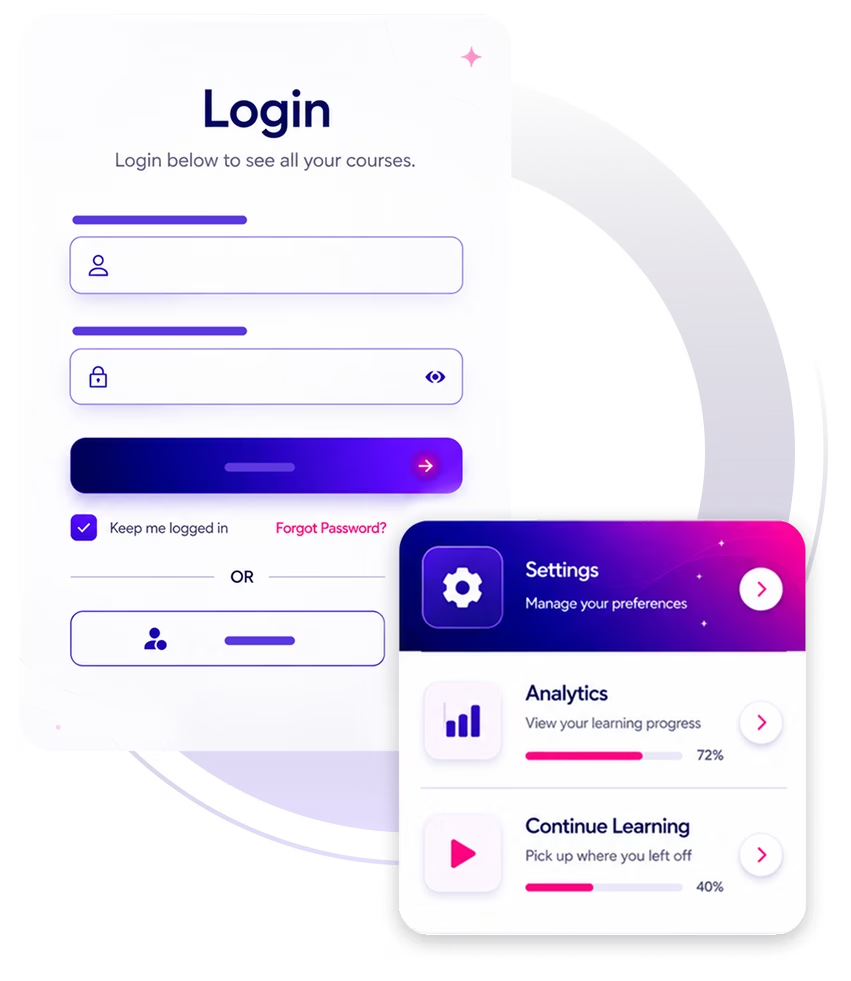
There's no single Disprz portal that works for everyone. Your company has its own, set up specifically for your organisation. Start by checking your inbox for an email from noreply@disprz.com. Your login link and credentials are usually right there.
If you can't find that email, get in touch with your manager, HR team, or L&D contact — they'll have the portal link and can get your access sorted.
Your username is your work email address most of the time. For password issues, use the "Forgot password" link on your company's Disprz login page, enter your work email and you'll receive a reset link within a few minutes.
If neither works, your HR or L&D team can verify your account status and resend your access details.
Invitation links expire after a set period for security. Head to your company's Disprz portal URL and use "Forgot password" to generate fresh credentials. If your email isn't recognised, ask your admin to verify your account is active and resend the invitation.
If your company uses single sign-on (via Microsoft, Google, or another provider), look for the SSO or "Sign in with [your company]" button on your Disprz portal page. It will redirect you to your company's standard login.
Disprz support works directly with your organization's L&D or HR team, not individual learners, to protect the privacy and security of each organisation's data. If you're a learner, your fastest route is your internal HR or L&D team. If you're an admin, you can reach Disprz support through your admin portal.